
QRCodePlus
QR & barcode tools in your browser
Create and scan QR codes and barcodes online — free tools that run in your browser, with print-ready PNG and SVG downloads.
Built for real-world QR workflows
QR-first
URL, WiFi, vCard, and marketing codes in one toolkit.
Browser-local
Generation and scanning stay on your device.
Print-ready
PNG, SVG, JPG, and PDF exports for web and packaging.
Built for professional QR & barcode workflows
QRCodePlus follows open standards (ISO/IEC QR, GS1 barcodes) used across retail, logistics, and marketing—so your codes work with the scanners and phones teams already rely on.
Logos below illustrate common industry categories; no endorsement is implied.


Popular QR tools
Open a generator or scanner — each page is built for one job.
- QR Code Generator All-in-one QR generator — choose URL, WiFi, vCard, text, or other types, then download PNG or SVG.
- URL QR Code Generator Create a QR code that opens any website or deep link when scanned.
- WiFi QR Code Generator Let guests join your network by scanning — no typed passwords.
- vCard QR Code Generator Share contact details that save straight into a phone address book.
- Text QR Code Generator Encode plain text notes, instructions, or short messages.
- Email QR Code Generator Pre-fill a new email with address, subject, and body.
- Social Profile QR Code Generator Link followers to Instagram, LinkedIn, TikTok, and more.
- QR Code Scan Decode QR codes from your camera or an uploaded photo.
- All QR tools →
Barcode tools
Retail and logistics barcodes when you need them.
- Barcode Generator All-in-one barcode generator — pick Code 128, EAN, UPC, Data Matrix, and more, then download PNG or SVG.
- EAN-13 Barcode Generator 13-digit retail barcode used on products worldwide outside North America.
- Code 128 Barcode Generator High-density alphanumeric barcode for logistics, shipping, and inventory.
- All barcode tools →
QR code use cases
Practical ways teams put QR codes to work.
QR Codes on Business Cards
Turn a paper card into a living contact profile or portfolio link.
QR Codes for Restaurants
Menus, WiFi, feedback forms, and loyalty links at the table.
QR Codes for Events
Tickets, session calendars, sponsor booths, and post-event surveys.
QR Codes on Packaging
Link products to manuals, authenticity checks, and refill programs.
QR Codes for Marketing Campaigns
Drive offline traffic to landing pages, offers, and app installs with trackable links.
QR Codes for Guest WiFi
Let visitors join your network in one scan — no typed passwords.
QR code guides
Sizing, error correction, printing, and security basics.
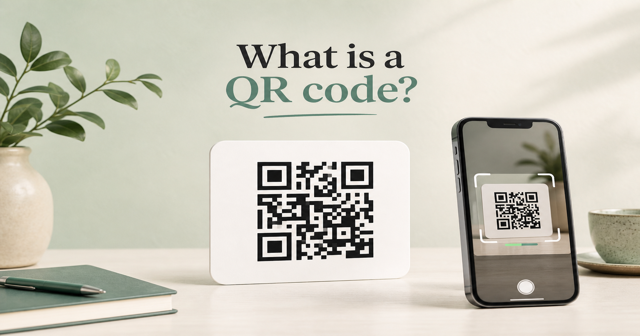
What Is a QR Code?
A QR code is a two-dimensional matrix barcode that stores data in a square grid of modules.
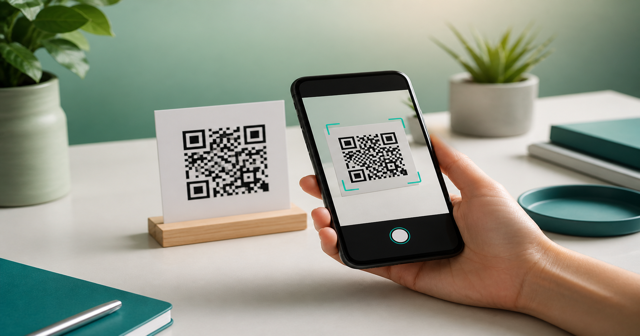
How Do QR Codes Work?
Cameras locate finder patterns, sample modules, then reconstruct the encoded bitstream.
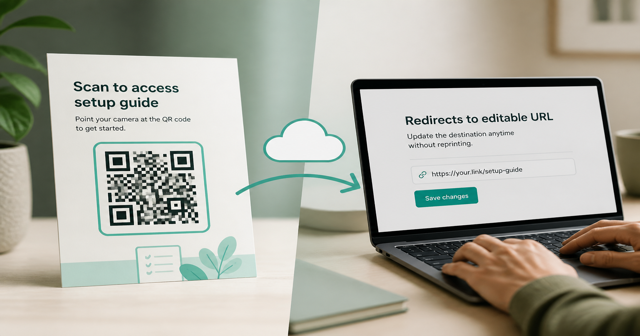
Static vs Dynamic QR Codes
Static codes embed the final payload; dynamic codes usually redirect through a short URL you can edit later.
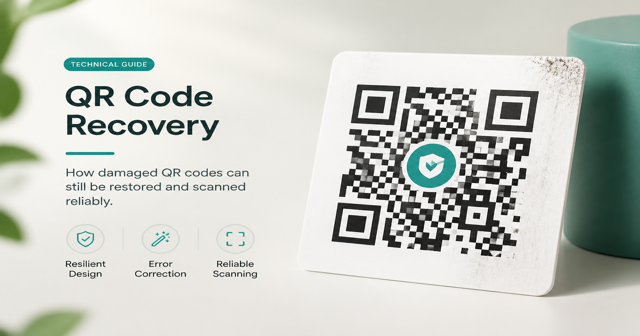
QR Code Error Correction Levels
Levels L, M, Q, and H trade capacity for resilience against damage or logo overlays.
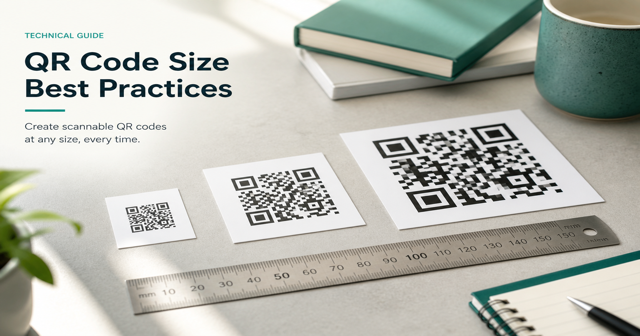
QR Code Size Guidelines
Print size depends on scan distance, module density, and surface quality.
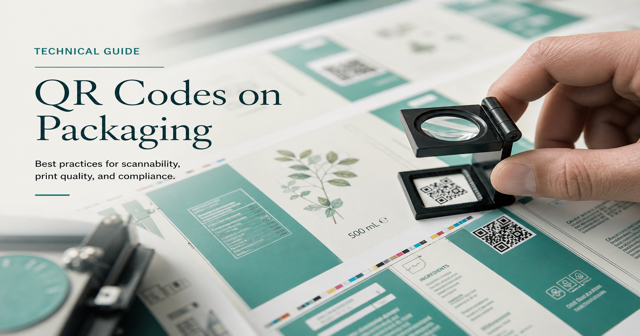
Printing QR Codes
Maintain quiet zones, contrast, and resolution so industrial presses do not blur modules.
How it works
- 1Open a tool
Start from the QR Code Generator or pick a specialized type.
- 2Enter your data
Fill the fields — preview updates live as you type.
- 3Download
Export PNG for screens or SVG for print vendors.
Why QRCodePlus
Accurate payloads
WiFi, vCard, mailto, SMS, geo, and calendar strings follow common scanner expectations.
Print-ready output
Tune size, colors, and error correction, then download crisp PNG or scalable SVG.
Guides included
Learn QR sizing, error correction, and when to pick barcodes for retail.
What you can create
QRCodePlus brings QR generators, barcode symbologies, and scanners together in one place. Pick a tool, enter your data, and download files that stay sharp on screens or packaging.
Start with the all-in-one QR Code Generator for URL, WiFi, vCard, and more — or jump straight into a specialized page. Guides and use cases help you print and place codes that scan the first time.